Alien Font: A Playful, Full-Color Typeface for Creative Projects
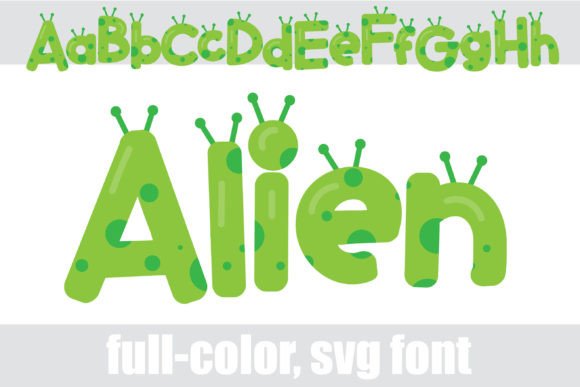
Imagine a font that doesn’t just sit on the page but practically bounces off it, radiating personality and color. That’s the promise of Alien, a full-color display font that swaps traditional serifs and scripts for a bubbly, green sans-serif design complete with spots and antennae. It’s not just a typeface; it’s a character, a design element built to grab attention and inject a dose of fun into any project. For designers, small business owners, and creators tired of default black-and-white typography, this font offers a vibrant alternative that can transform the look and feel of your work.
What Makes This Typeface Visually Distinct?
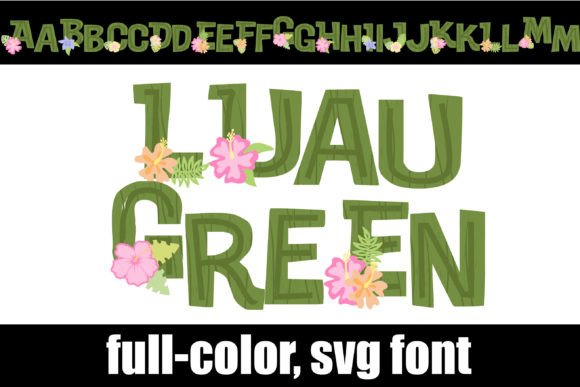
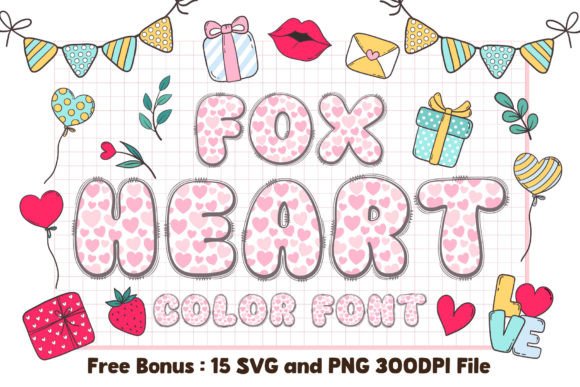
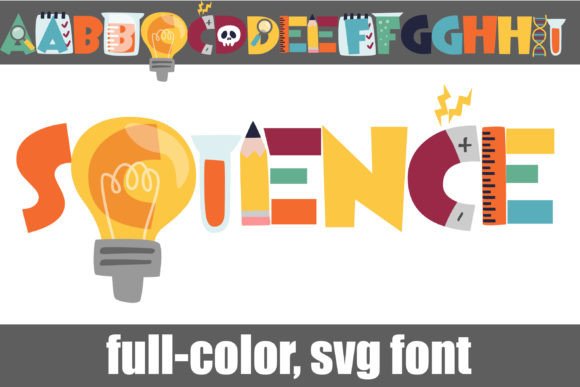
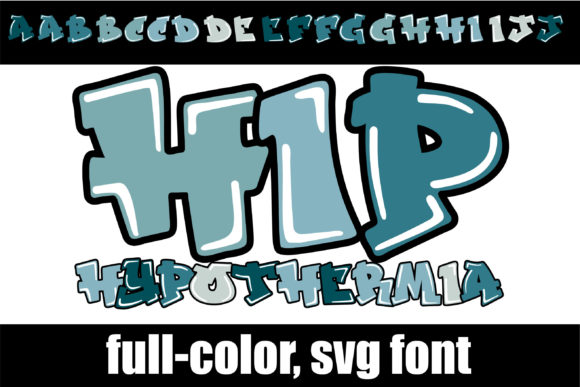
At its core, Alien is a display font, meaning it’s crafted for impact rather than long-form body text. Its visual appeal lies in its playful, rounded letterforms and its inherent color—a consistent, eye-catching green. The spots and antennae details give it a whimsical, almost cartoon-like quality, making it perfect for projects that aim to be friendly, approachable, and memorable. Unlike a standard sans serif font, which relies on clean lines for professionalism, Alien uses its shape and color to convey a specific mood. This makes it a powerful tool for branding projects targeting younger audiences, family-oriented services, or any brand that wants to shed a serious tone in favor of something more engaging.
A key feature is its full-color SVG format. This means the green hue and decorative elements are built directly into the font file. In compatible software, you get the intended colorful effect instantly. However, it’s crucial to remember that in programs that don’t support color fonts, Alien will revert to a solid black silhouette. This isn’t a flaw, but a characteristic of the technology. For best results, pair it with software like Adobe Illustrator, Silhouette Studio, Quark, or Inkscape, where you’ll see its true vibrancy as you type.
Practical Applications Across Design Projects
The real value of a creative font like Alien is measured by how you can use it. Its unique style makes it surprisingly versatile for specific applications where personality trumps formality.
- Branding & Logo Design: For a children’s toy brand, a quirky cafe, or a video game channel, Alien can serve as the cornerstone of a brand identity. Its distinctive look ensures high brand recognition—once seen, it’s hard to forget. Use it for your primary logo or as a complementary typeface for subheadlines.
- Packaging & Merchandise: Product packaging needs to stand out on a shelf or in an online thumbnail. This font can make a product label pop, especially for items like candy, snacks, or hobby kits. It’s equally effective for t-shirt designs, stickers, and merchandise where a bold, graphic statement is key.
- Digital Presence: On social media graphics, Alien is ideal for Instagram story headers, YouTube video titles, or promotional posts that need to stop a scrolling thumb. For web design, it can be used sparingly for section headers or call-to-action buttons to add a spark of personality without compromising overall site usability.
- Print & Editorial: Think outside the digital box. This typeface works wonderfully for party invitations, poster titles, event flyers, and magazine layouts aimed at a youthful demographic. It adds a layer of visual interest that plain text simply cannot achieve.
Integrating a Specialty Font Into Your Workflow
Adopting a specialty typeface requires a bit of strategic thinking. First, consider your project goals. Alien is a premium font designed for specific, high-impact moments. It’s not a replacement for your primary body copy font. The key to visual consistency is pairing it effectively. Match it with a simple, clean serif font or a neutral sans-serif for longer paragraphs. This contrast allows Alien to command attention in headlines while ensuring your message remains readable and professional throughout.
Before finalizing any design, always test. Install the font correctly—like any .OTF file, using FontBook on a Mac or your Control Panel on Windows—and then type sample text in your chosen program. Does it render in color? Does the style align with your project’s tone? Reviewing the included alt cases and additional color options via your system’s glyph map can also provide more creative flexibility, allowing you to tweak the design for a unique touch.
Finally, mind the technical and licensing side. Ensure your software supports full-color SVG fonts to experience the design as intended. And for any commercial project, always verify the font’s licensing agreement. Most commercial fonts allow for broad use in logos, products, and marketing materials, but it’s a professional courtesy to confirm the terms, ensuring your creative work is built on a solid foundation.
In the end, choosing a font like Alien is about making a deliberate choice for your project’s voice. It’s about understanding that typography isn’t just about letters; it’s about emotion, memory, and connection. When used thoughtfully, it doesn’t just display words—it helps tell your story.